The Basic Search feature enables you to search the existing persons in the database by the search criteria which includes the person identifier, identifier domain and identifier type.
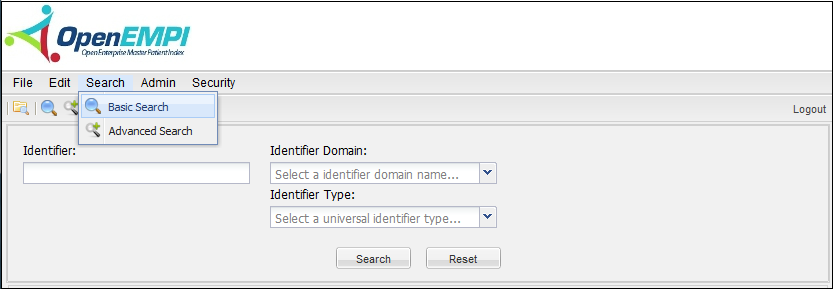
To open the Basic Search page
Select Admin > Basic Search from the menu bar. The Basic Search page is displayed:
To search for and update or delete a person record
-
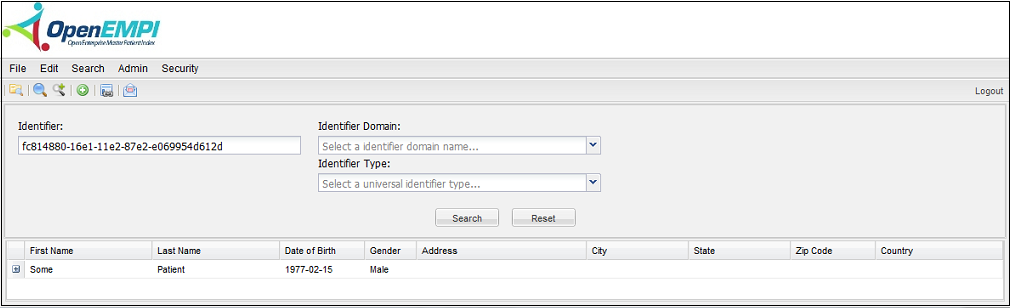
Once you open the Basic Search page, enter the search data in the search field then click the Search button. The persons that meet the search criteria are displayed in the list, as shown in the following image:
-
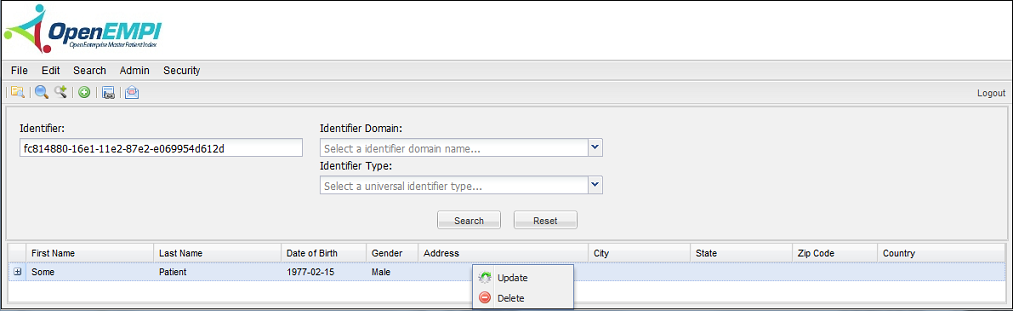
Double-click a person record in the list. A popup menu is displayed with options to Update details about the person record or to Delete the person record: